Javascript is disabled
Javascript seems to be disabled. This will break some core site features. Please enable javascript or revisit this site from another device.
Information for speakers and chairs
We are pleased and grateful that so many of our colleagues have accepted invitations to speak and/or chair at the 10th Northern European Conference on Travel Medicine (NECTM10), in Belfast, Northern Ireland, 3–5 June 2026.
Instructions for speakers
1. You do not need to bring your own computer.
2. Your first slide should display your name and the title of your presentation.
3. On your second slide, you may declare any potential or actual conflicts of interest. Please see below for further information.
4. You will receive an email 7–10 days before the conference containing your personal link, which will allow you to upload your presentation. You may re-upload your presentation at any time with a new version, and the link will remain active until the end of the conference. You can also upload and review your presentation at the Speaker Service Desk on site in the Riverside Foyer, located next to the registration desk.
If you are bringing a USB memory stick, we recommend that you verify that the transfer to your device has been completed correctly.
Please upload your presentation no later than two hours before your session. A widescreen (16:9) format is preferred. Our technicians will be available at all times to assist you. Your presentation will be transferred to the computer in the lecture hall in time for your talk.
5. Please ensure that you meet the session chair and introduce yourself at least ten minutes before your session begins.
6. Please adhere to the scheduled timings and allow at least five minutes of your allocated time for questions (for abstract presenters, the time for questions is two minutes).
7. To include live voting in your presentation and to allow the audience to submit questions, we recommend using the NECTM10 app. Information on how this works you can read about here.
Conflict of Interest
As prerequisite for the CME certification all lecturers should declare possible links and financial support relevant to the presentation including collaboration / financial support from the pharmaceutical industry / medical equipment manufacturer. Declarations must also include whether any fee, honorarium or arrangement for re-imbursement of expenses in relation to the Congress has been provided.
Instructions for chairs
As Chair, you are responsible for ensuring that speakers keep to time. Please indicate the allotted time for each speaker. If a speaker appears likely to exceed their allocated time, you may signal when one minute remains and ask them to conclude their presentation. Alternatively, you may simply stand to indicate that time is up and ensure the speaker is aware.
- Start the session exactly on time.
- Speakers have been instructed to allow a minimum of five minutes (two minutes for abstract presentations) of their time slot for questions.
- Where there are two Chairs for the same session, please agree in advance how and by whom the speakers will be introduced.
- Prepare one question for each speaker. Questions from the audience should be given priority during the discussion following the presentations.
- The session must end at the scheduled time.
Some speakers may include live voting in their presentations and allow the audience to submit questions via the NECTM10 app. These questions will appear on the laptop to which you are logged in (a technician will be available to assist if needed), where you can read and filter them as required.
The app also includes a voting function (mentometer), allowing participants to vote using their own smartphones. Information on how this works you can read about here.
Speaker Service
Speaker Service Desk on site is placed in the Riverside Foyer, located next to the registration desk.
Opening hours Speaker Service:
Wednesday, June 3: 11:15–17:00
Thursday, June 4: 08:00–17:00
Friday, June 5: 08:00–15:30
NECTM10 App
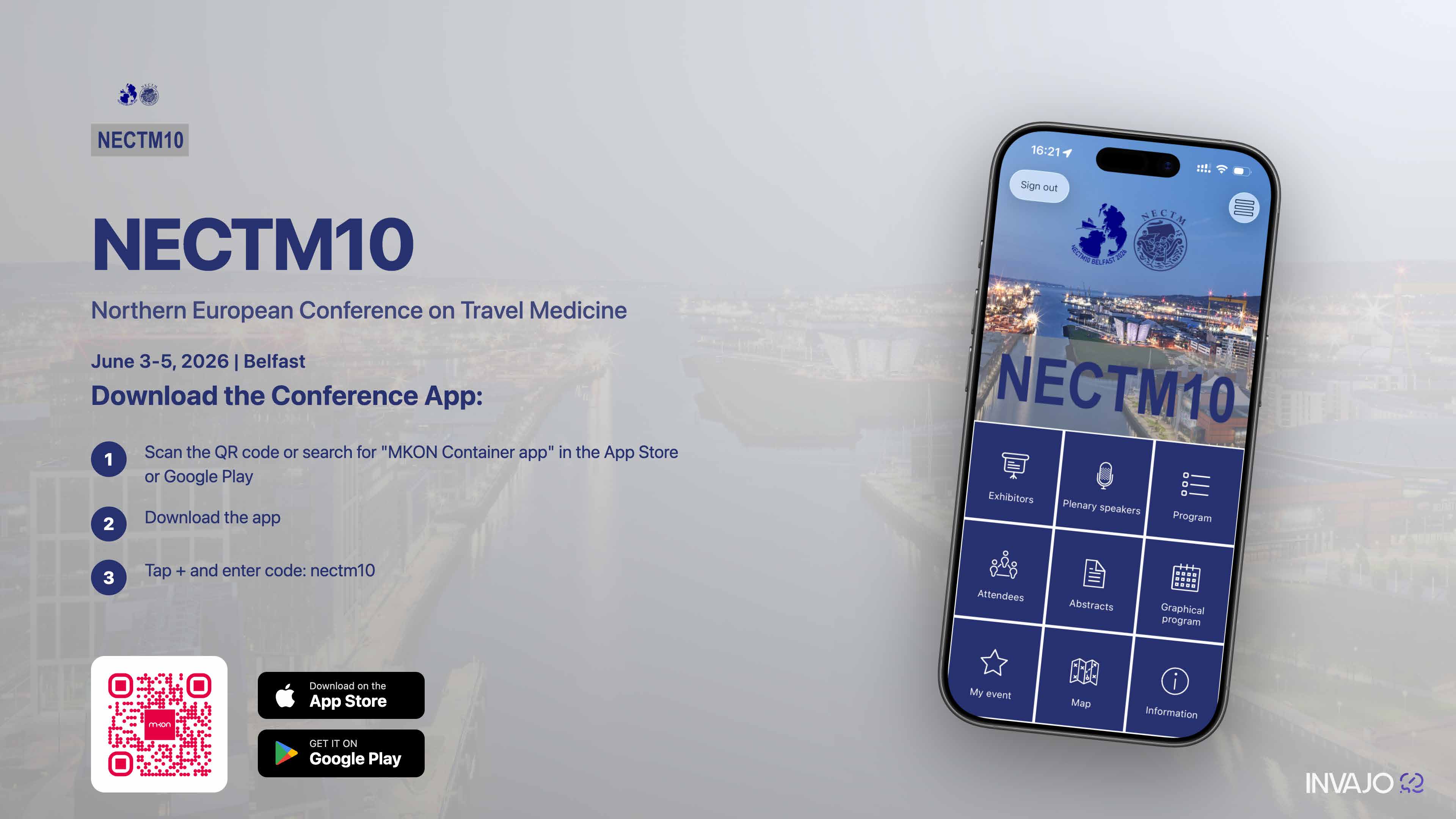
Don’t forget to download the app. In the app, you will find, among other things, the updated programme and additional information.
1. Search for the app “MKON” in the App Store or Google Play
2. Tap the plus sign (+)
3. Enter the code: nectm10
4. The conference app will launch
Please remember to enable push notifications!
If you would like to include live voting in your presentation or allow the audience to submit questions, we recommend using the NECTM10 app for this purpose. Information on how this works you can read about here.